In this guide

Understanding the Choices
When it comes to choosing between Microsoft Office 2019 Professional Plus and Microsoft 365, understanding their differences is crucial for making an informed decision. Both options offer a variety of applications including Word, Excel, PowerPoint, Outlook, OneNote, Access, Publisher, and more. However, they differ significantly in terms of cost, apps, use cases, and features.
Office 2019 Professional Plus
Office 2019 Professional Plus is a perpetual license that comes with Microsoft's productivity suite: Word, Excel, PowerPoint, Outlook, OneNote, Access, Publisher, and more. This version can be purchased for €46.90 and includes the following applications:
Key Features of Office 2019 Professional Plus
- Word: The go-to application for document creation and management.
- Excel: Essential for data analysis, spreadsheets, and financial modeling.
- PowerPoint: Ideal for creating professional presentations with multimedia elements.
- Outlook: A feature-packed email client that integrates calendar and contact functions seamlessly into one interface.
- OneNote: Perfect for note-taking and organizing information in notebooks.
- Access: Useful for database creation and management, including business applications.
- Publisher: Facilitates the design of publications such as flyers, brochures, and cards.
Cost Considerations
Office 2019 Professional Plus is a one-time purchase that grants you access to all included apps on one PC. It comes with an official installer download link, installation and activation guide, and support available by email and chat, seven days a week for any questions or issues. The license is linked to your Microsoft account, allowing easy reinstallation of the software on the same device.
Microsoft 365
Microsoft 365 offers different subscription plans, including Personal, Business Standard, Business Premium, and Enterprise plans. These subscriptions provide access to Office applications like Word, Excel, PowerPoint, Outlook, OneNote, Access, Publisher, and additional features such as Teams for collaboration, SharePoint for document sharing, and Microsoft 365 Compliance Center for data security.
Key Features of Microsoft 365
- Office Applications: All apps included in the Professional Plus version.
- Collaboration Tools: Enhanced with Microsoft Teams for communication, file sharing, and project management.
- Security and Compliance: The 365 Compliance Center ensures that your data is secure and compliant with industry standards.
- Additional Features: SharePoint for document collaboration and storage, OneDrive for cloud-based file access.
Cost Considerations
Microsoft 365 offers different pricing tiers based on the number of users or devices you plan to use. The cost can range from €12 per month (Personal) up to several hundred euros per year for Business Premium plans that include additional features and support services.
Comparison Table: Office 2019 Professional Plus vs Microsoft 365
| Feature | Office 2019 Professional Plus | Microsoft 365 |
|---|---|---|
| Apps Included | Word, Excel, PowerPoint, Outlook, OneNote, Access, Publisher | Word, Excel, PowerPoint, Outlook, OneNote, Access, Publisher |
| Cost | €46.90 per PC, one-time payment | Subscription plans starting at €12/month (Personal) |
| Continuous Updates | No continuous updates after 2025 | Continues to receive security and feature updates |
| Offline Capability | Works offline once activated | Available in all Office apps, including Teams |
| Integration with Other Services | Limited integration options | Extensive integration with Microsoft services |
Choosing the Right Solution
When deciding between these two products, consider your specific needs and usage patterns. If you require a stable, offline-capable solution that does not involve subscription fees, then Office 2019 Professional Plus could be the better choice. However, if you need additional collaboration tools or advanced security features, Microsoft 365 may offer more value.
Conclusion
Choosing between Office 2019 Professional Plus and Microsoft 365 involves weighing various factors such as cost, app selection, offline capability, and integration with other services. For those who prefer a one-time purchase with no subscription fees, Office 2019 Professional Plus remains an excellent option.
Purchase at MySoftKeys
If you decide to buy from MySoftKeys, you can enjoy the following benefits:
- Immediate Delivery: Your key will be sent by email and is available under "My Licenses" within minutes.
- Official Installer Download Link: Provided with your key for easy installation.
- Support 24/7: Our team of experts is available via email and chat to assist you at any time.
- VAT Invoice: Receive a VAT invoice for tax purposes.
Make an informed decision today by visiting MySoftKeys. Your satisfaction is our priority, so we are here to help with any questions or concerns you may have.
Final Thoughts
Whether you choose Office 2019 Professional Plus or Microsoft 365, the choice ultimately depends on your specific requirements and budget. For a hassle-free experience that doesn't require ongoing subscription fees, Office 2019 Professional Plus is an excellent option.
Frequently asked questions
What are the key features of Office 2019 Professional Plus?+
Key features include Word, Excel, PowerPoint, Outlook, OneNote, Access, and Publisher.
How much does Office 2019 Professional Plus cost?+
Office 2019 Professional Plus is a one-time purchase that costs €46.90 per PC.
What are the key features of Microsoft 365?+
Key features include enhanced collaboration tools, security and compliance features, and additional features such as Teams for communication, file sharing, and project management.
How much does Microsoft 365 cost?+
Microsoft 365 offers different pricing tiers based on the number of users or devices you plan to use. The cost can range from €12 per month (Personal) up to several hundred euros per year for Business Premium plans.
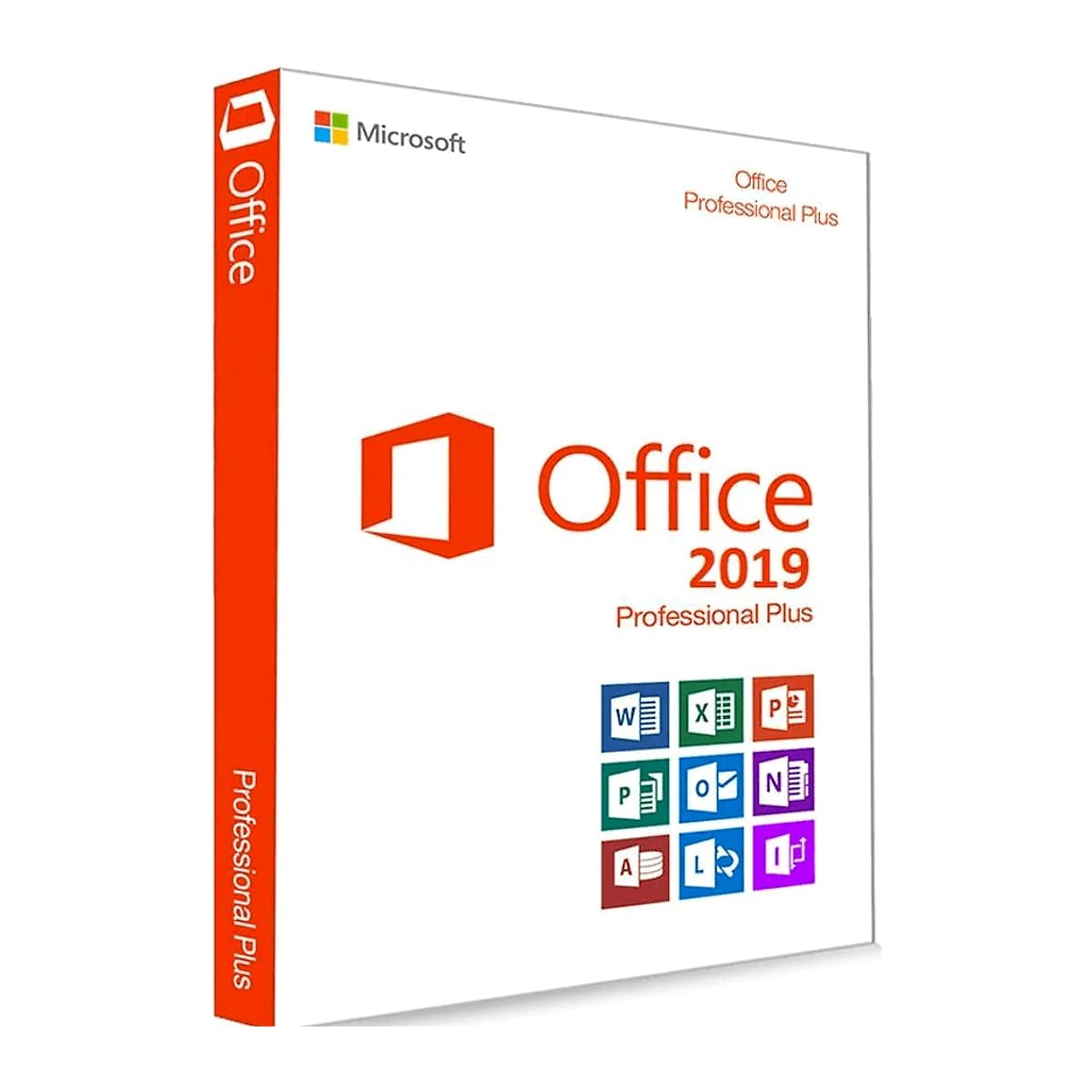
Ready to activate Office 2019 Professional Plus?
Genuine key emailed in minutes, activation guarantee and 7/7 support. Pay once, no subscription.