In this guide

Introduction
Are you looking for a reliable productivity suite that offers all the necessary tools without the need for ongoing subscriptions? If so, this article will help you compare Office 2016 Professional Plus with Microsoft 365, providing insights into their features and costs. With Office 2016 Professional Plus, you gain access to a lifetime license of Microsoft's essential productivity apps: Word, Excel, PowerPoint, Outlook, OneNote, Access, Publisher. This article will guide you through the pros and cons of each option.
Features Comparison
Office 2016 Professional Plus
- Apps Included: Word, Excel, PowerPoint, Outlook, OneNote, Access, Publisher.
- One-Time Payment: Pay once and use it for life on one PC.
- Compatibility: Compatible with Microsoft 365 and earlier versions.
- Offline Use: Works offline after activation.
Microsoft 365
- Apps Included: Word, Excel, PowerPoint, Outlook, OneNote, Access, Publisher.
- Subscription-Based: Requires a subscription to use the apps.
- Compatibility: Compatible with Microsoft 365 and earlier versions.
- Offline Use: Limited offline functionality; requires internet connection for updates.
Cost Comparison
Office 2016 Professional Plus
- Cost: €19.90 (one-time payment)
- Total Lifetime Cost: Far below the cost of three years of Microsoft 365 subscription.
- Additional Benefits: No need to renew, no internet connection required for offline use.
Microsoft 365
- Cost: Subscription-based pricing varies by plan; generally more expensive over time compared to Office 2016 Professional Plus.
Use Cases and Configuration
Office 2016 Professional Plus
#### Requirements:
- Windows 7 SP1, 8.1, 10, 11.
- Processor: 1.1 GHz, 2-core.
- RAM: 4 GB minimum.
- Disk Space: 4 GB minimum.
- Display Resolution: 1280 × 768 or higher.
- Internet Connection for Activation.
Microsoft 365
#### Requirements:
- Any Windows version with a stable internet connection.
- Processor and RAM requirements vary by plan.
- Disk space required varies based on the selected service plans.
Why Choose Office 2016 Professional Plus?
Features Overview
Office 2016 Professional Plus offers all the essential productivity tools you need, including:
#### Word:
- Word processing capabilities.
- Layout options.
- Review features and PDF export support.
#### Excel:
- Spreadsheet functions and analysis tools.
- PivotTables for data summarization.
#### PowerPoint:
- Presentation creation with recording slideshow capability and animation features.
#### Outlook:
- Email management, calendar scheduling, contact list.
#### OneNote:
- Notetaking functionality.
- Shared notebook sharing feature.
#### Access:
- Database development environment.
- Business application support.
#### Publisher:
- Design tools for flyers, brochures, business cards.
Why a Perpetual License
Office 2016 Professional Plus offers the peace of mind that comes with one-time payment. No subscription fees and no need to renew. This is ideal for stable use at work, school, or home. Additionally, Office 2016 Professional Plus remains fully functional even after Microsoft stops shipping security updates on October 14, 2025.
Benefits of a Perpetual License
- No Renewal Fees: Save money by avoiding subscription fees.
- Offline Use: Easily use the software without an internet connection once activated.
- Cost Efficiency: The total cost is far below three years of Microsoft 365 subscriptions.
Conclusion
Choosing between Office 2016 Professional Plus and Microsoft 365 depends on your specific needs. If you prefer a one-time payment for all necessary productivity tools without the need to renew, then Office 2016 Professional Plus is an excellent choice. For those who require more flexibility with subscription-based plans, Microsoft 365 might be the better option.
Purchase from MySoftKeys
MySoftKeys offers genuine licenses at a competitive price with instant delivery, guarantee, support, and VAT invoice availability in your account. Buy your Office 2016 Professional Plus now to ensure you get the best value for your investment.
SEO Meta Information
- Meta Title: Office 2016 vs Microsoft 365: Full Comparison
- Meta Description: Compare Office 2016 Professional Plus and Microsoft 365, learn about their features, costs, and use cases. Get the best value with MySoftKeys' genuine licenses.
- Slug: office-2016-vs-microsoft-365-full-comparison
- Excerpt: Learn how Office 2016 Professional Plus compares to Microsoft 365 in terms of features, costs, and use cases. Purchase from MySoftKeys for instant delivery and support.
- Keywords: Office 2016 Professional Plus, Microsoft 365, productivity suite, cost comparison
- FAQ:
- What is the difference between Office 2016 Professional Plus and Microsoft 365?
Office 2016 Professional Plus offers a perpetual license for all essential apps without subscription fees. Microsoft 365 requires a monthly or yearly subscription.
- Is Office 2016 Professional Plus compatible with older versions of Microsoft Office?
Yes, it is fully backward-compatible and works seamlessly with earlier versions.
- What are the system requirements for using Office 2016 Professional Plus?
You need Windows 7 SP1, 8.1, 10, or 11; a processor of at least 1.1 GHz, 2-core; 4 GB RAM minimum; and 4 GB disk space.
- Can I use Office 2016 Professional Plus offline?
Yes, after activation, it works offline but requires an internet connection for updates.
This article provides all the information you need to make a well-informed decision about which product is best suited for your needs.
Frequently asked questions
What is the difference between Office 2016 Professional Plus and Microsoft 365?+
Office 2016 Professional Plus offers a perpetual license for all essential apps without subscription fees. Microsoft 365 requires a monthly or yearly subscription.
Is Office 2016 Professional Plus compatible with older versions of Microsoft Office?+
Yes, it is fully backward-compatible and works seamlessly with earlier versions.
What are the system requirements for using Office 2016 Professional Plus?+
You need Windows 7 SP1, 8.1, 10, or 11; a processor of at least 1.1 GHz, 2-core; 4 GB RAM minimum; and 4 GB disk space.
Can I use Office 2016 Professional Plus offline?+
Yes, after activation, it works offline but requires an internet connection for updates.
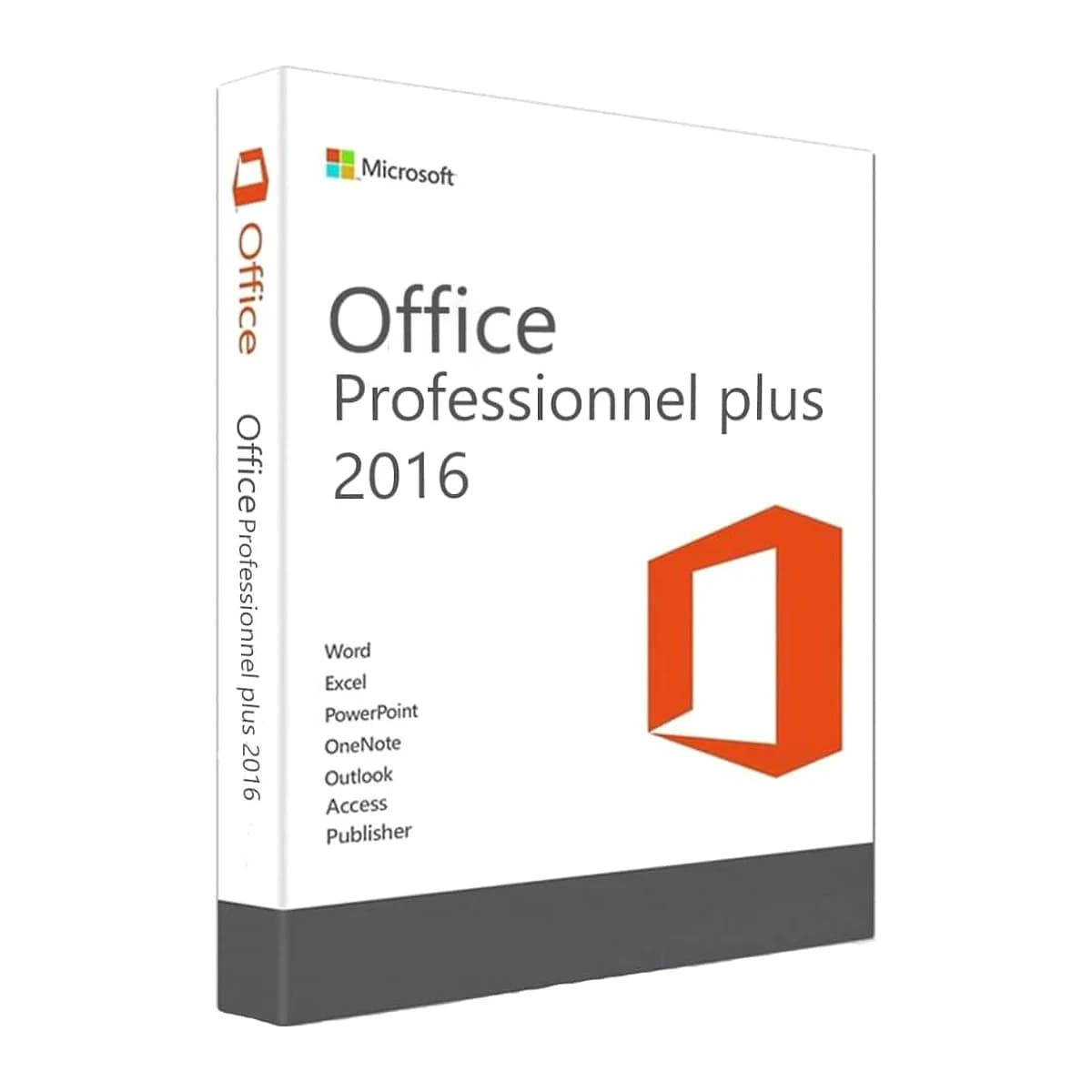
Ready to activate Office 2016 Professional Plus?
Genuine key emailed in minutes, activation guarantee and 7/7 support. Pay once, no subscription.