In this guide

Understanding the Benefits of Windows 10 Pro
Windows 10 Pro is a robust version of Microsoft's operating system designed for businesses and organizations requiring advanced features such as BitLocker encryption, Remote Desktop capabilities, and support for virtual machines. This article delves into why purchasing Windows 10 Pro might be worth considering, highlighting its unique benefits compared to other editions like Home or Enterprise.
Key Features Included in Windows 10 Pro
Windows 10 Pro includes several features that make it an ideal choice for system builders, resellers, and businesses. Here are some of the key features:
BitLocker
BitLocker is a full-disk encryption solution provided by Microsoft. This feature ensures data security on any computer running Windows 10 Pro. It encrypts all files stored on the hard drive and provides an additional layer of protection against unauthorized access.
Remote Desktop
Remote Desktop enables users to remotely manage their computers from another device, making it ideal for remote work or IT support scenarios. Users can connect to a remote machine through this feature, which is especially useful in environments where physical access might be limited.
Hyper-V
Hyper-V allows you to create and run virtual machines directly on your Windows 10 Pro system. This capability is essential for businesses that need to test software applications or develop new products without affecting their production environment. It also supports running multiple operating systems simultaneously, enhancing flexibility and efficiency.
Differences with Other Editions
Home vs. Pro
Windows 10 Home is the standard consumer version of Windows 10, offering features like Microsoft Edge web browser, Cortana personal assistant, and Xbox Game Bar for gaming enthusiasts. In contrast, Windows 10 Pro includes enterprise-grade security features such as BitLocker, Remote Desktop, and Hyper-V.
Enterprise vs. Pro
Windows 10 Enterprise is designed specifically for businesses that require advanced management tools and compliance features like Active Directory integration, which helps in managing user accounts and devices centrally. While it offers many of the same features found in Windows 10 Pro, such as BitLocker, Remote Desktop, and Hyper-V, Enterprise also includes additional enterprise-specific functionalities.
Genuine License Price and Activation
Genuine License Price
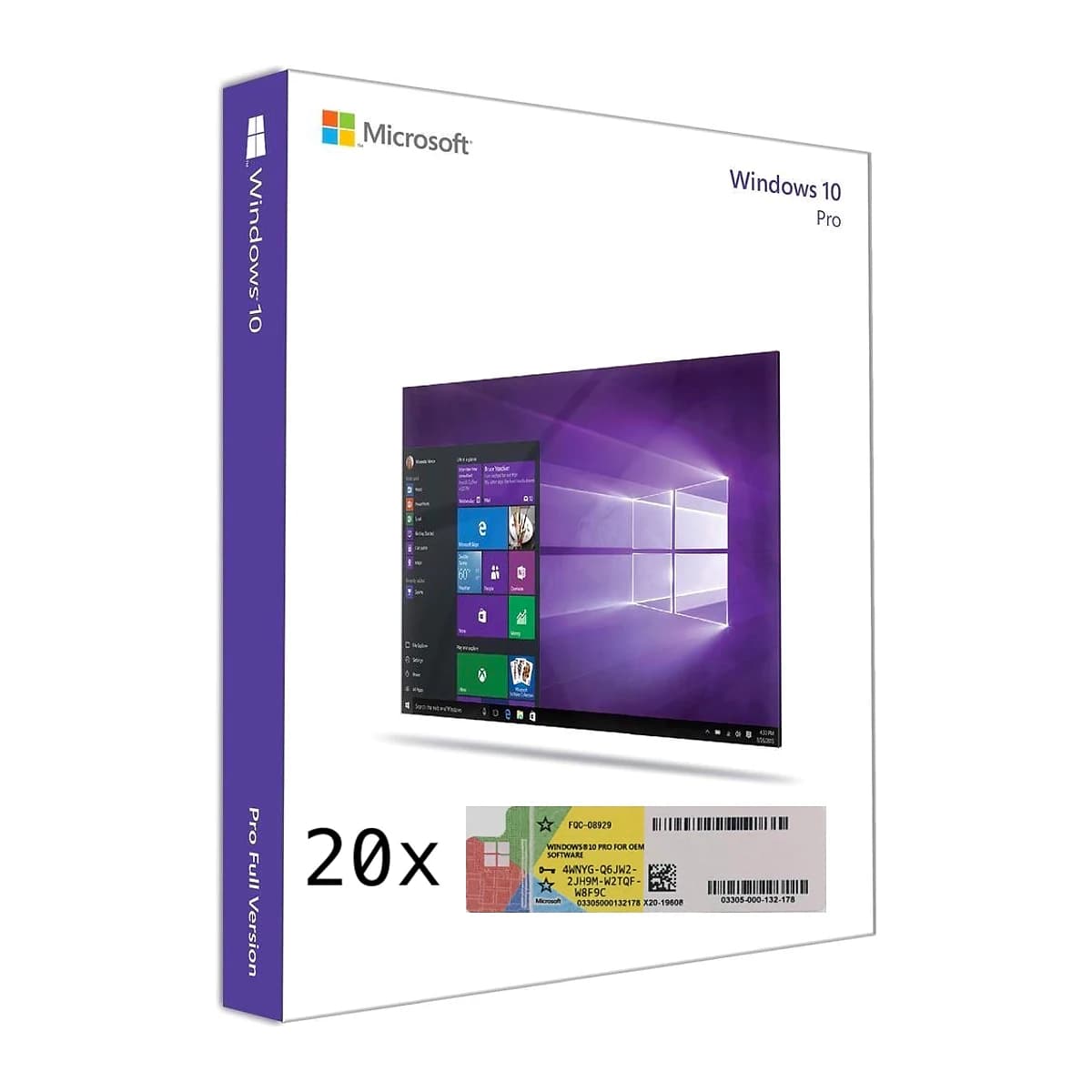
The genuine price for 20 Windows 10 Pro licenses (COA labels) is €319.00. This pack of licenses can be used by system builders, resellers, or any organization that needs to equip multiple PCs with the latest version of Windows.
Activation Process
Each license comes with a COA label containing a unique activation key. To activate your installation, follow these steps:
- Download and install the Media Creation Tool from the official Microsoft website.
- Launch the tool and select "Create installation media for another PC."
- Choose a USB drive or DVD as the storage medium and proceed to create the bootable media.
- Insert the newly created bootable media into your target Windows 10 Pro system.
- Restart the computer and press F8 during startup to enter the BIOS/UEFI settings menu.
- Select "Boot" from the menu, then select your USB drive or DVD as the first boot device.
- Follow on-screen instructions until you reach the activation screen where you can input your unique activation key.
By following these steps, you ensure that each PC is properly licensed and activated with Windows 10 Pro, providing a secure and reliable operating environment for your business needs.
What You Get
When purchasing this pack of 20 Windows 10 Pro licenses:
- Official Microsoft Download Link: Access to the official Microsoft Media Creation Tool or ISO file for installation.
- Installation and Activation Guide: A step-by-step guide provided by MySoftKeys, ensuring a smooth activation process.
- Support Team: Assistance available via email and chat from Monday to Friday (7 days a week).
- VAT Invoice: Access to VAT invoices in your account for tax purposes.
Good to Know
Microsoft has stopped shipping security updates starting October 14, 2025. Although this version remains fully functional, we recommend upgrading to the latest version if you need ongoing support and features.
Buy with Confidence
Genuine License
Your purchase comes with a genuine Windows 10 Pro license activated on Microsoft or MySoftKeys official servers. No setup fees apply!
Instant Delivery
You will receive your key via email within minutes of placing your order, ready for immediate use.
Support Available 24/7
Our support team is available by email and chat seven days a week to assist with any issues you may encounter during the activation process.
Final Thoughts
For businesses looking for advanced security features, enterprise-grade management tools, and compatibility with virtual machines, Windows 10 Pro offers everything needed. MySoftKeys provides genuine licenses at competitive prices backed by professional support services, ensuring your investment is well spent. Consider upgrading to Windows 10 Pro today!
Call to Action
Explore our selection of authentic software licenses at MySoftKeys for a hassle-free and secure experience.
Frequently asked questions
What are the key features of Windows 10 Pro?+
Windows 10 Pro includes BitLocker for full-disk encryption, Remote Desktop for remote management, and Hyper-V for virtual machine support.
Why should I choose Windows 10 Pro over Home or Enterprise editions?+
Pro offers enterprise-grade security features like BitLocker, Remote Desktop, and Hyper-V. It's ideal for businesses requiring advanced management tools and compliance features.
What are the differences between Windows 10 Pro and other editions?+
Pro includes enterprise-specific features such as Active Directory integration. Home lacks these features but offers a standard web browser and personal assistant.
How do I activate my Windows 10 Pro license?+
Download the Media Creation Tool from Microsoft, create bootable media, restart your PC, enter BIOS settings to select USB as first boot device, follow activation instructions provided by MySoftKeys.
Ready to activate Windows 10 Pro?
Genuine key emailed in minutes, activation guarantee and 7/7 support. Pay once, no subscription.