
Setting Up a Complete PC for Less: Windows 11 Pro + Office 2021 Professional Plus Bundle
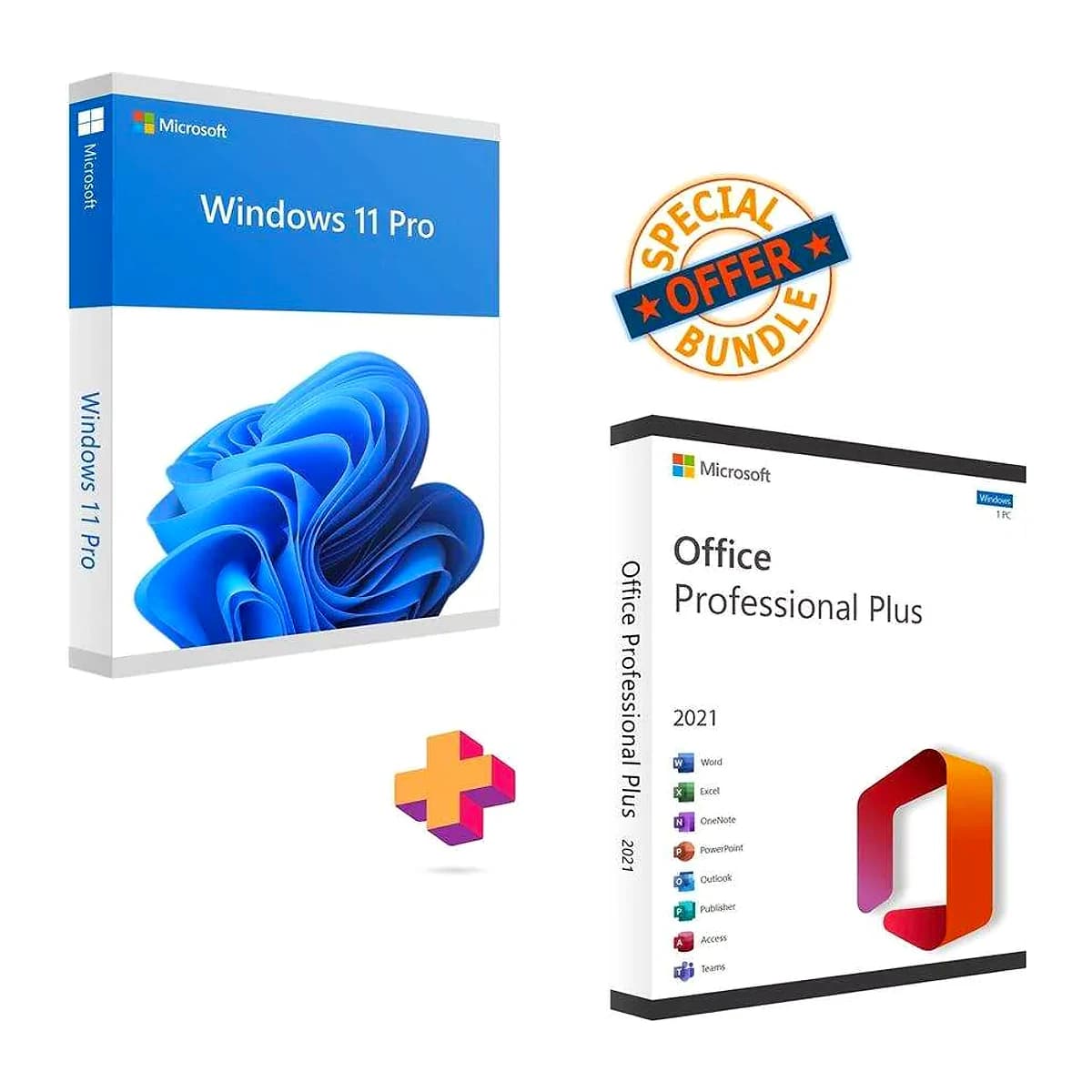
If you're on the hunt to set up your new, refurbished or freshly reinstalled PC with all the necessary software without breaking the bank, consider investing in the Windows 11 Pro and Office 2021 Professional Plus bundle. This comprehensive package provides both the operating system and a suite of office applications at an incredibly discounted rate.
#### Key Features
- Windows 11 Pro: With BitLocker encryption, Remote Desktop capabilities, and Hyper-V virtualization support.
- Office 2021 Professional Plus: A complete set of productivity tools including Word, Excel, PowerPoint, Outlook, OneNote, Access, and Publisher.
- Instant Delivery: Both keys are sent instantly via email to your official Microsoft account, ensuring seamless activation.
#### Compatibility and Installation
Ensure that your PC meets the following minimum requirements:
- 1 GHz processor with 2 cores
- 64-bit architecture
- 4 GB RAM
- 64 GB storage
- TPM 2.0 security features enabled
- Secure Boot support
For existing Windows 10 users, upgrading to Windows 11 Pro is straightforward and won’t affect your data.
#### What's Included in the Bundle
The bundle includes two keys: one for Windows 11 Pro and another for Office 2021 Professional Plus. You can activate both licenses on your PC effortlessly.
#### Activation and Support
- Instant Delivery: Key sent by email to your Microsoft account, available under "My Licenses." Usually within a few minutes.
- Installation Guides: Download official installation guides from the Microsoft website for Windows 11 Pro and Office 2021 Professional Plus.
- Support: Access support via email and chat 7 days a week.
#### Benefits of Perpetual Licensing
- Cost-Effective: Buying both licenses together is more economical than purchasing them separately, especially if you plan to use the software frequently on your PC.
- Security: The Pro key upgrades your Windows installation without data loss. However, Microsoft will stop shipping security updates starting October 13, 2026.
#### Comparison Table
| Feature | Windows 11 Pro Key | Office 2021 Professional Plus Key |
|---|---|---|
| BitLocker Encryption | Yes | Yes |
| Remote Desktop | Yes | Yes |
| Hyper-V | Yes | Yes |
#### Installation Steps
- Download Windows 11 Pro: Visit the official Microsoft website and download the Windows 11 Pro installation media.
- Prepare Your PC: Ensure your storage space is at least 64 GB, as additional disk space for Office applications will be required (4 GB extra).
- Install Windows 11 Pro: Follow the on-screen instructions to install Windows 11 Pro. During setup, choose a language and accept the license agreement.
- Activate Windows 11 Pro: Use your key to activate Windows 11 Pro.
- Download Office 2021 Professional Plus: Visit the Microsoft Office website for the download link of the Office 2021 Professional Plus bundle.
- Install Office Applications: Follow the installation wizard instructions provided by Microsoft.
#### MySoftKeys: Your Trusted Provider
MySoftKeys is your go-to source for authentic perpetual licenses, ensuring you get genuine software that works seamlessly with your system. Here’s how we can help:
- Instant Delivery: You receive your license key via email within minutes.
- Guarantee: If a key doesn’t work, it will be replaced or refunded.
- Support 24/7: We provide support via email and chat for any issues you may encounter.
#### Conclusion
Investing in the Windows 11 Pro + Office 2021 Professional Plus bundle offers significant savings while providing all the necessary tools to run your new PC efficiently. With MySoftKeys, you can rest assured that your purchase comes with instant delivery, a robust support system, and the peace of mind knowing you have genuine software.
Buy Now at MySoftKeys
Experience seamless activation and installation today. Purchase your Windows 11 Pro + Office 2021 Professional Plus bundle from MySoftKeys for immediate activation and setup.
Frequently asked questions
What does the bundle include?+
The bundle includes both Windows 11 Pro and Office 2021 Professional Plus keys, which can be activated on your PC effortlessly.
How do I activate the licenses?+
Key activation is handled through an email sent by MySoftKeys to your official Microsoft account. Activation usually takes a few minutes after receiving the key.
What are the minimum system requirements for Windows 11 Pro?+
Your PC needs to have at least a 1 GHz processor with 2 cores, 64-bit architecture, 4 GB RAM, and 64 GB storage. Additionally, TPM 2.0 security features should be enabled.
Is there any support available for the bundle?+
Yes, you can access support via email and chat from MySoftKeys 7 days a week.
Ready to activate Windows 11 Pro + Office 2021 Professional Plus Bundle?
Genuine key emailed in minutes, activation guarantee and 7/7 support. Pay once, no subscription.