In this guide

Overview of Microsoft’s Windows 10 Home Edition
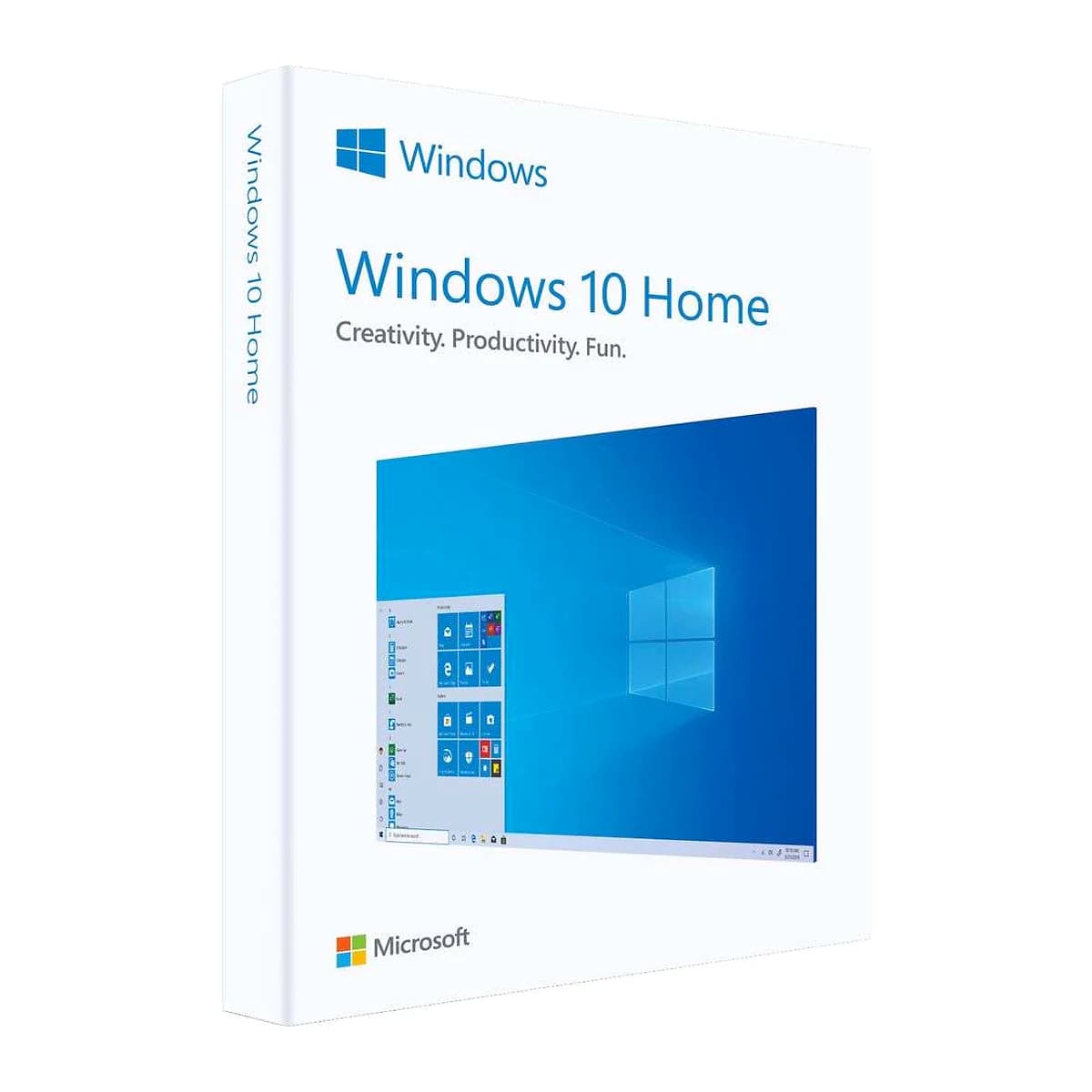
Windows 10 Home is a robust operating system designed for personal use on home computers. It offers an up-to-date, fast, and secure computing experience tailored to meet the needs of everyday users. This article will explore whether purchasing the Windows 10 Home edition is worth it, comparing it with other editions and highlighting its genuine license price and activation process.
Genuine License Price
The cost for a genuine Windows 10 Home license key is €13.90. This one-time payment grants you perpetual access to the software without any subscription fees or limitations. The license key is emailed within minutes, ensuring quick delivery and easy installation on your device.
Installation and Activation Guide
Steps to Install and Activate Windows 10 Home
- Download the Media Creation Tool: Visit Microsoft’s official website to download the Media Creation Tool (MediaCreationTool.exe). This tool will help you create a bootable USB drive if needed.
- Create Bootable USB Drive:
- Insert your USB drive into your computer.
- Run MediaCreatorTool.exe and select "Create installation media for another PC" from the options menu.
- Choose to create a bootable USB drive, then follow the on-screen instructions provided by the tool.
- Boot from USB: Restart your computer and press the appropriate key (usually F12 or Esc) to enter the BIOS/UEFI settings. Select your USB as the boot device and save changes before proceeding.
- Install Windows 10 Home:
- Use the MediaCreatorTool.exe to start the Windows installation process from your newly created bootable USB drive.
- Follow the on-screen instructions, selecting your language, time zone, keyboard layout, and other settings as needed.
- Activate Windows:
- After installation, a small window will pop up asking for your product key. Enter your genuine license key provided by Microsoft or MySoftKeys.
- Click "Next" to continue the activation process. The system will verify your product key and activate Windows 10 Home on your device.
Comparison with Other Editions
Differences Between Windows 10 Home and Enterprise/Pro
- Windows 10 Home: Designed for personal use, it comes pre-installed in many new PCs and is the most affordable option. It includes Microsoft Defender antivirus, parental controls, and Windows Hello.
- Windows 10 Pro: Best suited for businesses or professionals requiring more advanced features like remote access and enterprise-focused applications. The license costs €299.99.
- Windows 10 Enterprise: For organizations, with enhanced security features and support options. Requires a higher price tag of €359.99.
Compatibility and Features
#### Familiar Interface
The Home edition offers a familiar interface that is lightweight and easy to navigate for both beginners and experienced users.
#### Security Measures
Windows 10 Home comes equipped with Microsoft Defender, a robust antivirus suite designed to protect against malware, spyware, and other security threats. It includes Windows Hello for biometric authentication.
Upgrade Options
The Home edition can be upgraded to the latest version of Windows 11 on compatible hardware, making it an attractive option for users who want access to newer features without incurring additional costs.
What You Get with Your Genuine License Key
- Windows 10 Home License: A single license key for a single PC.
- Official Download Links: Access the official Microsoft download link (MediaCreationTool/ISO) for installation and activation.
- Installation Help: Support via email and chat, available 7 days a week to assist with any issues that arise during setup.
- Support Team: Quick access to MySoftKeys’ support team for additional assistance.
What You Don’t Get
- No subscription fees or recurring costs associated with the license key.
- Free updates are provided by Microsoft until October 14, 2025. Beyond this date, security patches and bug fixes will still be available but at no extra cost to you as a perpetual user.
Benefits of Buying from MySoftKeys
MySoftKeys offers genuine Windows licenses with instant delivery and hassle-free support. With their quick email response times and comprehensive installation guides, you can ensure a smooth transition to the latest version of Windows 10 Home or any other edition that suits your needs.
Conclusion: Is It Worth Buying?
In summary, buying the Windows 10 Home edition is a smart investment for those looking for a reliable, secure operating system at an affordable price. With its intuitive interface, robust security features, and compatibility with virtually all software and games, it provides users with a seamless experience that can be upgraded to newer versions as needed.
Final Thoughts
Whether you are a first-time computer user or a seasoned professional, the Windows 10 Home edition ensures a secure and stable computing environment. MySoftKeys offers peace of mind through their reliable service, ensuring your purchase is hassle-free and supported throughout its lifecycle.
Frequently asked questions
What is the genuine license price for Windows 10 Home?+
The cost for a genuine Windows 10 Home license key is €13.90.
How do I activate my Windows 10 Home license?+
After installation, enter your genuine product key provided by Microsoft or MySoftKeys to activate Windows 10 Home.
What features does the Windows 10 Home edition offer?+
It includes Microsoft Defender antivirus, parental controls, and biometric authentication with Windows Hello.
Can I upgrade my Windows 10 Home to a newer version of Windows 10?+
Yes, the Home edition can be upgraded to the latest version on compatible hardware without additional costs.
Ready to activate Windows 10 Home?
Genuine key emailed in minutes, activation guarantee and 7/7 support. Pay once, no subscription.