In this guide
- Overview of the Products
- Pricing Comparison
- Use Cases & Features Comparison
- Benefits of Office 2021 Professional Plus
- Microsoft 365: Benefits Beyond Office Apps
- Choosing the Right Product
- Why Choose Office 2021 Professional Plus?
- Conclusion: Your Choice Matters
- Buy with Confidence at MySoftKeys
- Final Thoughts

Overview of the Products
Microsoft Office 2021 Professional Plus and Microsoft 365 are two distinct options that cater to different needs in terms of cost, functionality, and subscription models. This article aims to provide a detailed comparison between these two products so you can make an informed decision.
Key Features
#### Office 2021 Professional Plus
- Apps Included: Word, Excel, PowerPoint, Outlook, OneNote, Access, Publisher.
- Cost Structure: One-time payment for one PC.
- Subscription Model: No subscription required; perpetual license linked to your Microsoft account.
- Activation: Activation once and works offline after activation.
#### Microsoft 365
- Apps Included: Word, Excel, PowerPoint, Outlook, OneNote, Access, Publisher, plus additional features like Teams, SharePoint, and more.
- Cost Structure: Subscription-based model with options for different plans (Personal, Business Basic, Business Standard, etc.).
- Subscription Model: Monthly or yearly subscription required to access the full suite of apps.
Pricing Comparison
Office 2021 Professional Plus: $79.90 EUR
One-time payment, valid for one PC and linked to your Microsoft account.
Microsoft 365:
- Personal Plan ($14.99 per month)
- Business Standard Plan ($19.99 per month)
Use Cases & Features Comparison
| Feature | Office 2021 Professional Plus | Microsoft 365 |
|---|---|---|
| Apps Included | Word, Excel, PowerPoint, Outlook, OneNote, Access, Publisher | Word, Excel, PowerPoint, Outlook, OneNote, Access, Publisher, Teams, SharePoint, etc. |
| Subscription Model | No subscription required; perpetual license linked to your Microsoft account. | Monthly or yearly subscription required for full access. |
| Offline Functionality | Works offline once activated | Limited offline functionality available with certain plans. |
Benefits of Office 2021 Professional Plus
- Perpetual License: Pay once and use the software indefinitely without needing a subscription.
- Offline Access: Ideal for stable, high-use environments like home or office workstations.
- Cost Effective: Typically far less expensive than a three-year subscription.
Microsoft 365: Benefits Beyond Office Apps
- Additional Features: Includes collaboration tools through Teams, document management with SharePoint, and more.
- Flexibility: Customizable plans to fit different company needs, from personal use to enterprise environments.
Choosing the Right Product
Personal Use & Freelancing
For individuals or freelancers who need a robust productivity suite but don't require all the features of Microsoft 365, Office 2021 Professional Plus is the ideal choice. It offers everything needed for daily work and projects without the added costs of subscription-based plans.
Small Businesses (PME)
Small businesses may benefit from the flexibility offered in Microsoft 365's different plans, which can be tailored to their specific needs. The additional features like Teams and SharePoint provide a powerful collaboration platform that can drive productivity within the organization.
Why Choose Office 2021 Professional Plus?
Cost Comparison
Office 2021 Professional Plus offers great value for money with its perpetual license model. It costs far less than three years of subscription-based plans, making it an excellent choice for those who don't need or want a subscription model.
Activation and Support
Activation is quick and straightforward, requiring only one-time payment linked to your Microsoft account. The official installer download link, installation help by email/chat (7 days a week), and guarantee of non-functional keys being replaced or refunded ensure a smooth experience.
Conclusion: Your Choice Matters
Choosing between Office 2021 Professional Plus and Microsoft 365 depends on your specific needs and budget. For individuals looking for a stable, cost-effective solution without subscription commitments, Office 2021 Professional Plus is the way to go. For small businesses needing more flexibility with additional features like Teams and SharePoint, consider exploring Microsoft 365 plans.
Buy with Confidence at MySoftKeys
MySoftKeys offers genuine licenses activated on official servers for immediate delivery and support. With no subscription required and a comprehensive help system available 24/7, you can rest assured that your purchase is secure and supported. For those seeking the best value in software licensing, look no further than MySoftKeys.
Final Thoughts
Whether you're an individual user or part of a growing business, choosing the right solution for your needs is crucial. Office 2021 Professional Plus delivers the power and reliability needed without the need for ongoing subscription fees, making it a solid choice for many users.
Frequently asked questions
What are the key features of Microsoft Office 2021 Professional Plus?+
It includes Word, Excel, PowerPoint, Outlook, OneNote, Access, and Publisher. It also works offline once activated.
How does Microsoft 365 differ from Office 2021 Professional Plus?+
Microsoft 365 offers additional features like Teams and SharePoint, which are not included in Office 2021 Professional Plus. It has a subscription-based model.
What is the pricing difference between Office 2021 Professional Plus and Microsoft 365?+
Office 2021 Professional Plus requires one-time payment for one PC, while Microsoft 365 offers different plans with monthly or yearly subscription options.
What are the benefits of using Office 2021 Professional Plus compared to Microsoft 365?+
Office 2021 Professional Plus is more cost-effective and has no subscription requirements. It also offers offline access, which is not available with all Microsoft 365 plans.
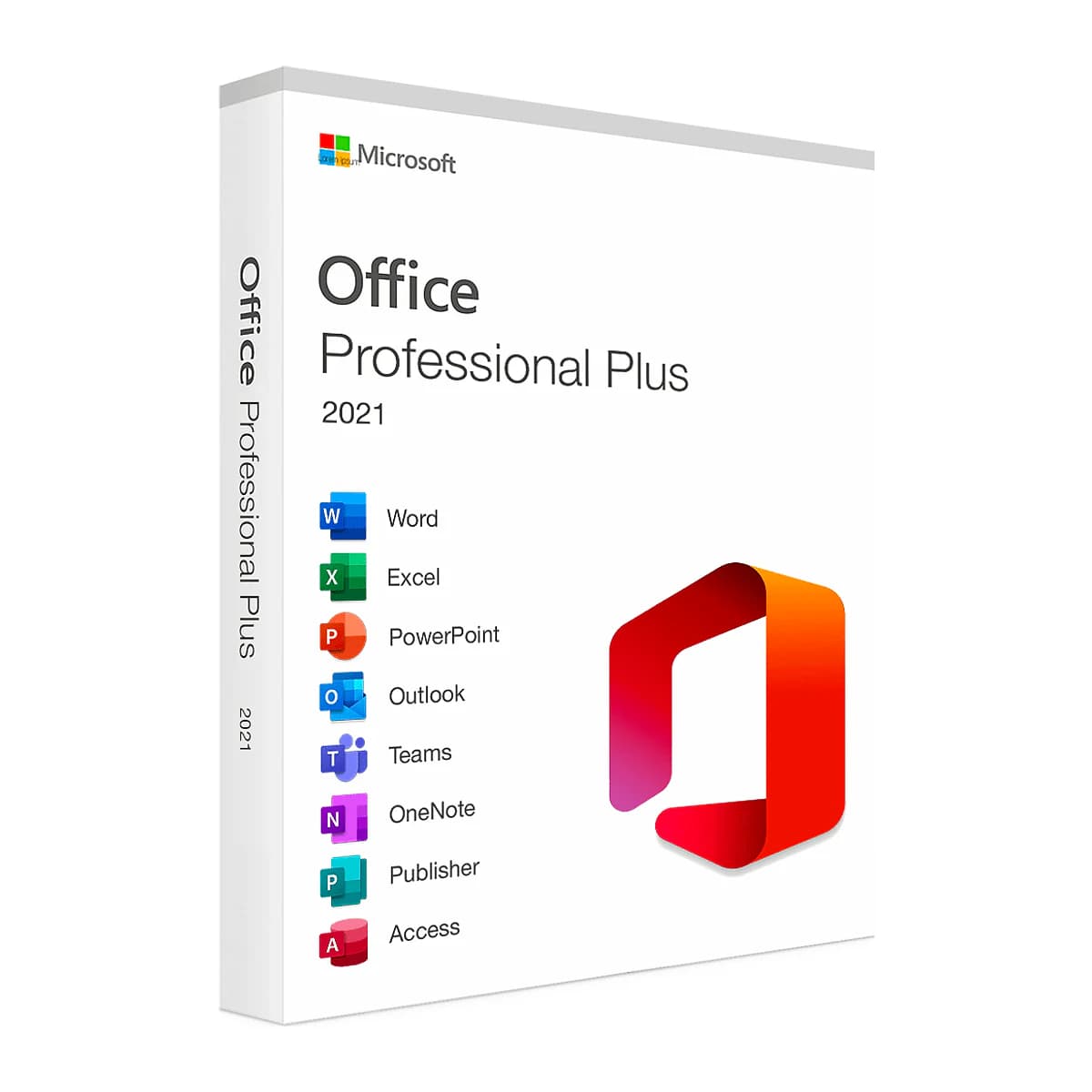
Ready to activate Office 2021 Professional Plus?
Genuine key emailed in minutes, activation guarantee and 7/7 support. Pay once, no subscription.