
Office 2021 Home & Business for Mac vs Microsoft 365: Full Comparison to Choose
When it comes to choosing between Office 2021 Home & Business for Mac and Microsoft 365, understanding the differences is crucial for making an informed decision. This article provides a comprehensive comparison of both products based on cost, features, and use cases.
#### Key Features and Cost Breakdowns
Office 2021 Home & Business for Mac
- Apps Included: Word, Excel, PowerPoint, Outlook, OneNote
- License Type: Perpetual license (one-time payment)
- Subscription Required: None required (works offline once activated)
- Cost: $109.90 per year
Microsoft 365
- Apps Included: Office apps plus Microsoft 365 suite features like Outlook, OneNote, and more
- License Type: Subscription-based
- Subscription Required: Yes (monthly or annual plans available)
- Cost: $12.99 per month for the Home & Business plan
#### Detailed Breakdown of Features
Office 2021 Home & Business for Mac
- Word: Word processing, layout, review and PDF export
- Excel: Spreadsheets and analysis, XLOOKUP, dynamic arrays, LET
- PowerPoint: Presentations, slideshow recording, animations
- Outlook: Email, calendar and contacts
- OneNote: Notetaking and shared notebooks
Microsoft 365
- Office Apps: Same as Office 2021 Home & Business for Mac (Word, Excel, PowerPoint)
- Additional Features: Outlook, OneNote, Microsoft To Do, Teams, and more
- XLOOKUP & Dynamic Arrays: Available but not included in the basic plan
#### Use Cases Overview
Office 2021 Home & Business for Mac
- Ideal for stable use at work, school or home without any subscription renewal.
- Perfect for individuals who need a full suite of productivity tools and don’t require additional features like Microsoft To Do.
Microsoft 365
- Offers more features beyond the basic Office apps (Outlook, OneNote, Teams, etc.)
- Suitable for businesses needing collaboration tools, project management, and security features.
- Subscription-based model can be appealing to those who prefer not to lock in a long-term commitment.
#### Conclusion
Choosing between Office 2021 Home & Business for Mac or Microsoft 365 depends on your specific needs. If you value stability and don’t require additional collaboration tools, the perpetual license of Office 2021 Home & Business for Mac might be the better choice. On the other hand, if you need a full suite of features including Teams and security updates, Microsoft 365 is likely more suitable.
Purchase with Confidence at MySoftKeys
At MySoftKeys, we offer genuine licenses that are activated on official servers by our experts. Our key delivery process ensures quick activation within minutes, and our support team is available 7 days a week to help you get started.
- Instant Delivery: Key sent via email and accessible in your "My Licenses" section.
- Installation Help: Email and chat support for any installation issues.
- Guarantee: A non-functional key will be replaced or refunded.
- VAT Invoice: Available in your account for official accounting purposes.
Consider MySoftKeys for a seamless, hassle-free purchasing experience.
Frequently asked questions
What are the main differences between Office 2021 Home & Business for Mac and Microsoft 365?+
Office 2021 Home & Business for Mac is a perpetual license with no subscription required, while Microsoft 365 offers additional features like Teams and security updates through a subscription-based model.
Is Office 2021 Home & Business for Mac suitable for businesses?+
No, it is not ideal for businesses as it does not offer the collaboration tools or security features found in Microsoft 365. It is best suited for individuals who need a full suite of productivity tools.
Can I use Office 2021 Home & Business for Mac offline?+
Yes, once activated, you can use it offline. However, if you require additional features like Teams and security updates, Microsoft 365 is a better choice.
What are the main benefits of choosing Microsoft 365 over Office 2021 Home & Business for Mac?+
Microsoft 365 offers more comprehensive features including collaboration tools like Teams and security updates, making it suitable for businesses needing these functionalities.
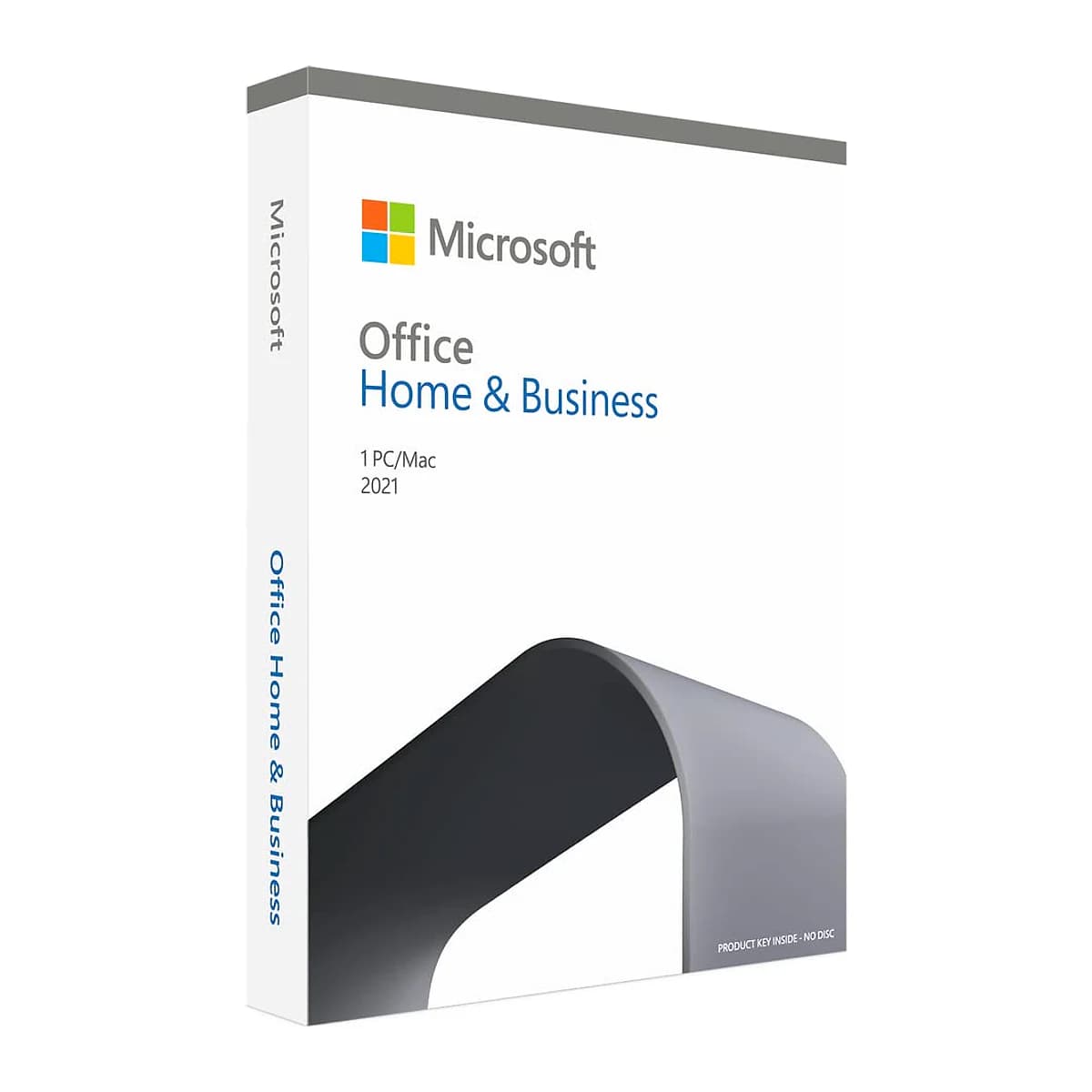
Ready to activate Office 2021 Home & Business for Mac?
Genuine key emailed in minutes, activation guarantee and 7/7 support. Pay once, no subscription.