In this guide

Introduction to the Comparison
Are you considering upgrading from your current Office 2019 Home & Student license? Or perhaps exploring a subscription-based solution with Microsoft 365? This article delves into the key differences between these two options, helping you make an informed decision. We'll break down costs, features, and use cases to guide you in choosing the best path forward.
Office 2019 Home & Student: Perpetual License
Key Features
Office 2019 Home & Student offers a full suite of productivity tools including Word, Excel, PowerPoint, and OneNote. Here's what each app brings:
- Word: Ideal for document creation, layout design, review, and PDF export.
- Excel: Perfect for spreadsheets and data analysis with built-in PivotTables.
- PowerPoint: A powerful tool for creating presentations, including slideshow recording and animations.
- OneNote: Great for taking notes and keeping shared notebooks.
Cost Analysis
The Office 2019 Home & Student license costs a one-time payment of €64.90. This includes:
- Word
- Excel
- PowerPoint
- OneNote
#### Lifetime vs Subscription
While Microsoft 365 offers ongoing updates and support, the perpetual license like Office 2019 provides security updates until October 2025, after which it remains fully functional but may not receive further improvements.
Use Cases
Office 2019 Home & Student is best suited for stable use at work, school, or home. Ideal for individuals who don't need the latest features and are looking to save money in the long run.
Microsoft 365: Subscription-Based Solution
Key Features
Microsoft 365 combines Office apps with additional services like Microsoft Teams, Outlook, and more. Here's what you get:
- Word: Word processing, layout design, review, PDF export, and integration with other Office applications.
- Excel: Data analysis, PivotTables, and seamless compatibility with earlier versions of Excel.
- PowerPoint: Presentation creation, slideshow recording, and support for animations.
- OneNote: Note-taking functionality, shared notebooks, and enhanced collaboration tools.
Cost Analysis
Microsoft 365 is a subscription-based service. The cost varies depending on your needs but generally includes:
- Word
- Excel
- PowerPoint
- OneNote
#### Subscription Costs
- Personal Plan: €14.99 per month.
- Personal Pro Plan: €29.99 per month.
Use Cases
Microsoft 365 is ideal for teams and individuals who need regular updates, security patches, and access to additional services like Microsoft Teams for communication and collaboration.
Comparison Table
| Feature | Office 2019 Home & Student | Microsoft 365 |
|---|---|---|
| Apps | Word, Excel, PowerPoint, OneNote | Word, Excel, PowerPoint, OneNote, Outlook, Teams |
| Cost | €64.90 (one-time payment) | Personal Plan: €14.99/month; Personal Pro Plan: €29.99/month |
| Compatibility | Fully compatible with earlier Office versions and Microsoft 365 | Compatible with all Office apps in the suite, including Teams for communication |
Conclusion
Choosing between Office 2019 Home & Student or Microsoft 365 depends on your specific needs and budget. The perpetual license is a cost-effective option for stable use at home or work, while Microsoft 365 offers ongoing updates and additional collaboration tools.
Purchase Options: MySoftKeys
Why Choose MySoftKeys?
- Instant Delivery: Key sent by email, available under "My Licenses" within minutes.
- Support: Access to support via email and chat, 7 days a week.
- Guarantee: A key that doesn't work is replaced or refunded.
- Facture: VAT invoice available in your account.
Final Thoughts
Whether you're looking for a cost-effective perpetual license or the latest features with Microsoft 365, MySoftKeys offers seamless delivery and support. Trust your purchase to get the best value for your investment.
FAQ
- How can a perpetual license be cheaper than a subscription?
- The initial one-time payment covers all updates until October 2025. After that date, while it remains fully functional, it won't receive further improvements.
- What if I need the latest features and security patches?
- Consider Microsoft 365 for ongoing support and access to new features.
- How do you compare Office versions?
- Office 2019 Home & Student is a one-time purchase, offering perpetual use of apps. Microsoft 365 combines productivity tools with additional services like Teams.
- What if I need help after purchasing?
- MySoftKeys provides support via email and chat, available 7 days a week.
- How do you get the key for Office 2019 Home & Student?
- After purchase, you receive an official installer download link and installation guide.
Final Call to Action
Ready to make your decision on which product is right for you? Trust MySoftKeys for a seamless and secure purchasing experience.
Frequently asked questions
How can a perpetual license be cheaper than a subscription?+
The initial one-time payment covers all updates until October 2025. After that date, while it remains fully functional, it won't receive further improvements.
What if I need the latest features and security patches?+
Consider Microsoft 365 for ongoing support and access to new features.
How do you compare Office versions?+
Office 2019 Home & Student is a one-time purchase, offering perpetual use of apps. Microsoft 365 combines productivity tools with additional services like Teams.
What if I need help after purchasing?+
MySoftKeys provides support via email and chat, available 7 days a week.
How do you get the key for Office 2019 Home & Student?+
After purchase, you receive an official installer download link and installation guide.
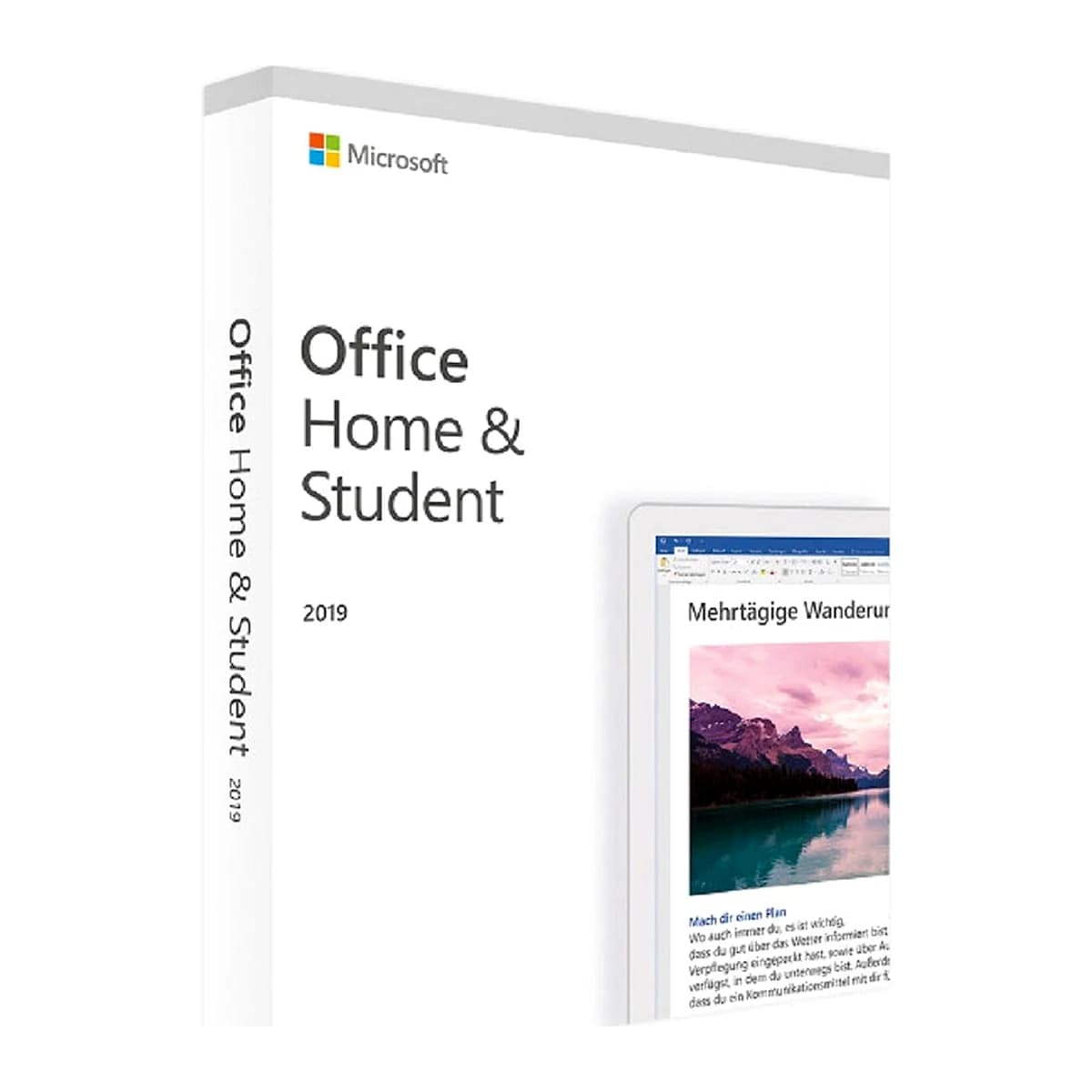
Ready to activate Office 2019 Home & Student?
Genuine key emailed in minutes, activation guarantee and 7/7 support. Pay once, no subscription.