Neste guia
Before you start
- A USB drive of at least 8 GB (it will be erased) for a clean install.
- Your Windows 7 Home Premium license key, sent by email and available in your account under "My licenses".
- Back up important files before reinstalling.
Already running Windows 7 Home Premium? Just activate
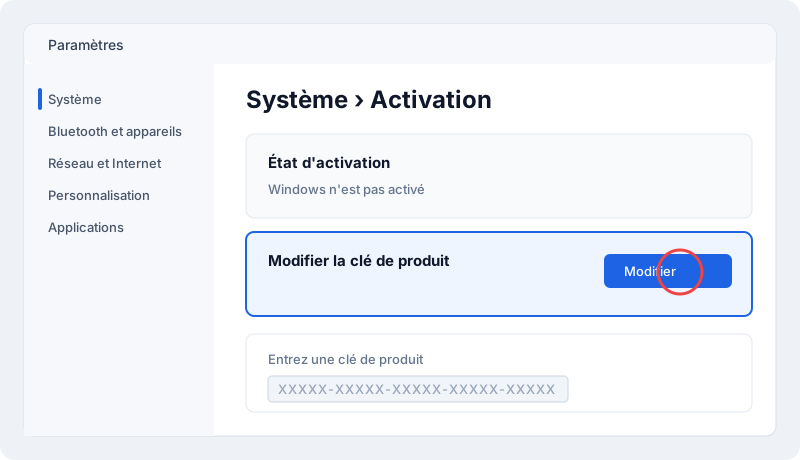
- Open Control Panel › System › Change product key.
- Click Change product key.
- Paste your key (copy it from your account to avoid typos) and confirm.
Clean install from a USB drive
- On a working PC, download the Windows 7 ISO matching your edition from Microsoft's official website.
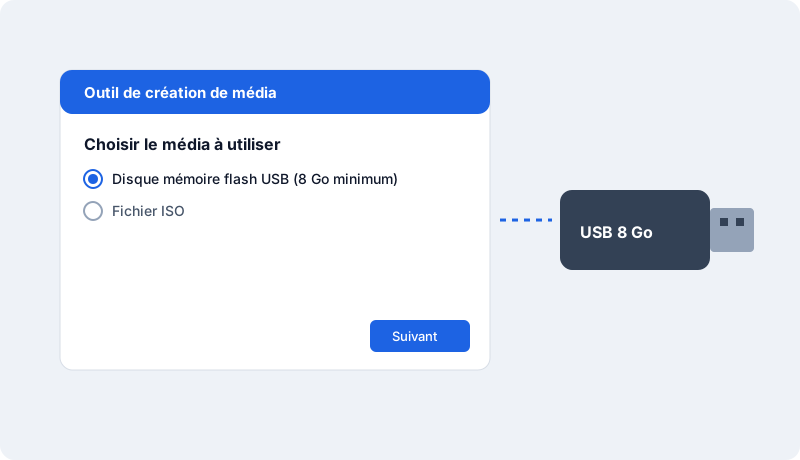
- Run it, accept the terms and choose Create installation media.
- Pick the language and edition, then USB flash drive.
- Boot the target PC from the USB drive (F12, F11 or Esc at startup depending on the brand).
- Follow the setup; at the key step, enter your key or choose "I don't have a product key" to add it later.
- Once on the desktop, check activation in Control Panel › System › Change product key.
Common activation errors
- 0xC004F050 / 0xC004C003: the key was mistyped or doesn't match the installed edition (Home vs Pro).
- 0x803FA067: upgrading from Home to Pro — enter the Pro key via "Change product key"; the PC restarts as Pro.
- No connection: activation needs Internet; retry once connected.
- Still stuck? Open a claim from your account with a screenshot: we reply within one business day and replace the key if needed.
How long does it take?
Allow 2 minutes for a simple activation, 30–45 minutes for a clean install from USB.
Check that the license is activated
Open Settings › System › Activation: it should say "Windows is activated with a digital license" or "…with a product key". You can also run slmgr /xpr in a command prompt.
Reinstalling and changing device
Your key stays available any time under "My licenses". You can reinstall the software on the same device as often as needed. After a major hardware change (e.g. motherboard), the publisher may ask for reactivation: contact us and we'll guide you.
Good practices
- Always download the software from the publisher's official website or the link supplied with your key, never from third-party sites.
- Don't share your key: it's tied to your device and could be blocked.
- Keep Windows updated to receive security fixes.
- Keep your invoice, available in your account.
Need a license?
At MySoftKeys every license is genuine, delivered by email within minutes with the official download link, and guaranteed: a key that doesn't work is replaced or refunded. Our support team answers 7 days a week to help with installation.
Perguntas frequentes
Is the Windows 7 Home license lifetime?+
Yes, it's a perpetual license — no subscription.
How many PCs?+
One key activates Windows on one PC.
Do I need to reinstall Windows?+
No, if your PC already runs Windows 7: just enter the key in the activation settings.
When will I receive my key?+
Usually within 2 minutes of payment confirmation, by email and in your account under My licenses.
Is the license genuine?+
Yes, it activates on Microsoft's official servers. If it doesn't work, we replace it or refund you.
Can I get an invoice?+
Yes, every order comes with an invoice, with VAT for businesses.
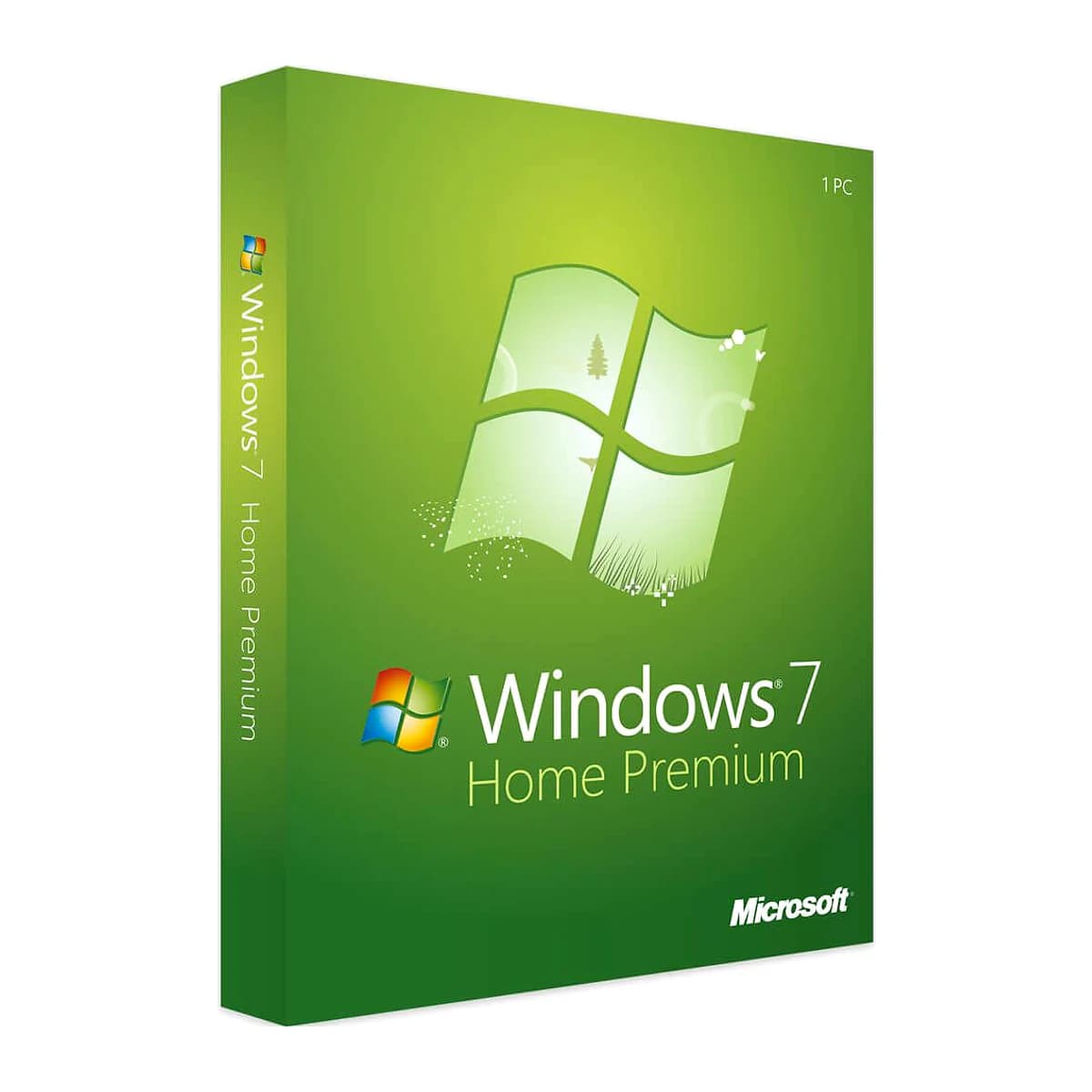
Pronto para ativar Windows 7 Home Premium?
Chave autêntica enviada em minutos, garantia de ativação e suporte 7/7. Pagamento único, sem assinatura.