En esta guía
A license tied to your Microsoft account
Office 2021 Home & Business for Mac is registered to your Microsoft account, so you can reinstall it any time from that account.
Steps
- Go to setup.office.com and sign in with your Microsoft account (or create one for free).
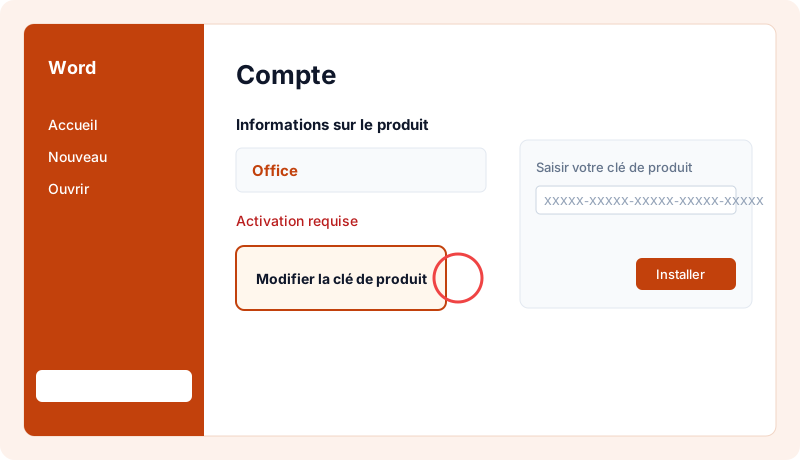
- Enter your product key, pick your country and language, and confirm.
- On your account's Services & subscriptions page, click Install.
- Open the downloaded .pkg file and follow the macOS installer.
- Open Word and sign in with the same account: Office is activated.
Good to know
- The key can be added to one account only: pick the one you'll keep using.
- This edition is for macOS only.
How long does it take?
Allow 10–20 minutes including the download, depending on your connection.
Check that the license is activated
Open Word › File › Account: "Product Activated" should appear under your edition name.
Reinstalling and changing device
Your key stays available any time under "My licenses". You can reinstall the software on the same device as often as needed. After a major hardware change (e.g. motherboard), the publisher may ask for reactivation: contact us and we'll guide you.
Good practices
- Always download the software from the publisher's official website or the link supplied with your key, never from third-party sites.
- Don't share your key: it's tied to your device and could be blocked.
- Keep Windows updated to receive security fixes.
- Keep your invoice, available in your account.
Need a license?
At MySoftKeys every license is genuine, delivered by email within minutes with the official download link, and guaranteed: a key that doesn't work is replaced or refunded. Our support team answers 7 days a week to help with installation.
Preguntas frecuentes
Is Office 2021 a subscription?+
No, it's a perpetual license: you pay once.
Which apps are included?+
Word, Excel, PowerPoint, Outlook, OneNote.
Does it work on Mac?+
Yes, this edition is built for macOS (it doesn't run on Windows).
Should I uninstall my old Office?+
Yes, remove any other Office or Microsoft 365 version before installing to avoid activation errors.
When will I receive my key?+
Usually within 2 minutes of payment confirmation, by email and in your account under My licenses.
Is the license genuine?+
Yes, it activates on Microsoft's official servers. If it doesn't work, we replace it or refund you.
Can I get an invoice?+
Yes, every order comes with an invoice, with VAT for businesses.
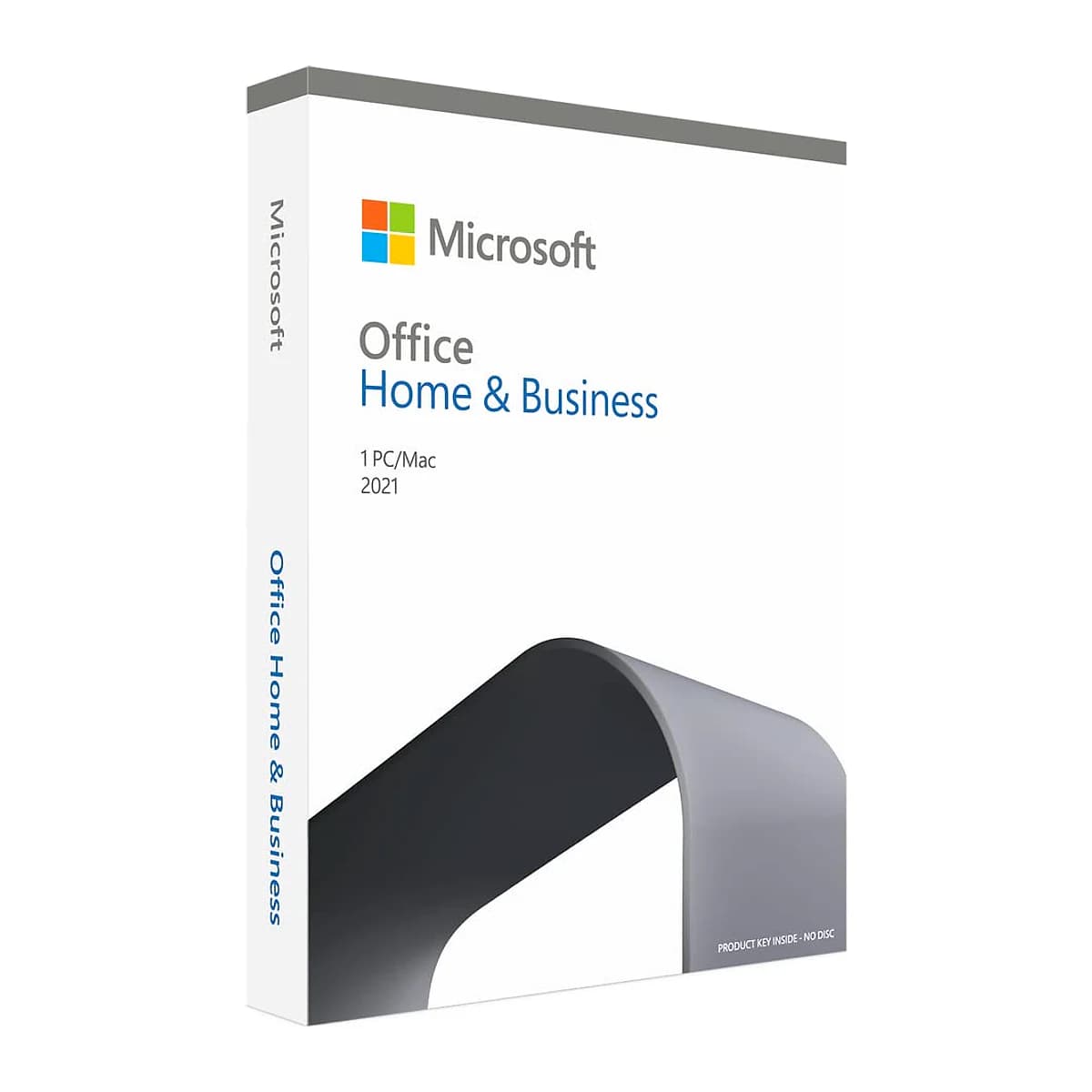
¿Listo para activar Office 2021 Home & Business for Mac?
Clave auténtica enviada en minutos, garantía de activación y soporte 7/7. Pago único, sin suscripción.