في هذا الدليل
Introduction
Are you considering purchasing Office 2019 Home & Student or opting for the more comprehensive Microsoft 365 package? This article provides a detailed comparison to help you make an informed decision. Whether you're looking at cost, features, and use cases, we'll break down both options so you can choose the best fit.
Cost Comparison
Office 2019 Home & Student
- Lifetime Subscription: €64.90
Microsoft 365
- Home Basic Plan (Personal): €17.99/month
- Home Standard Plan (Family): €39.99/month
- Home Premium Plan (Business): €89.99/month
Features Comparison
Office 2019 Home & Student is a perpetual license, meaning you pay once and use it without the need for a subscription. In contrast, Microsoft 365 offers various plans with different features and levels of support.
Office 2019 Home & Student
- Apps Included: Word, Excel, PowerPoint, OneNote
Microsoft 365
- Home Basic Plan (Personal): Includes all apps in Office 2019 plus additional productivity tools.
- Home Standard Plan (Family): Adds more collaboration and security features for families.
- Home Premium Plan (Business): Offers advanced business features, including integration with other Microsoft products.
Use Cases
Office 2019 Home & Student is ideal for individuals who use these apps on a single PC. It's perfect for students, professionals looking to stay within budget, and small businesses that don't require extensive collaboration tools.
Office 2019 Home & Student
- Use Case Example: A student using Word, Excel, PowerPoint, and OneNote exclusively at home.
Microsoft 365
- Home Basic Plan (Personal): Suitable for individuals who need basic productivity features like email and calendar integration.
- Home Standard Plan (Family): Ideal for families where collaboration tools are essential for shared workspaces or projects.
Perpetual License Benefits
Office 2019 Home & Student offers a perpetual license, meaning no subscription fees. This is particularly beneficial if you plan to use the software over an extended period without any renewal costs.
Key Points:
- No Subscription: You pay once and enjoy uninterrupted access.
- Offline Use: Files remain compatible with Microsoft 365 and earlier Office versions for offline work.
- Stable Usage: Perfect for steady, day-to-day use at home or in a professional environment.
Configuration Requirements
To activate Office 2019 Home & Student, you need:
- Windows 10 or 11 operating system
- A processor with at least 1.1 GHz and 2 cores
- At least 4 GB of RAM
- Minimum 4 GB of disk space
- A display resolution of 1280 × 768 or higher
- A Microsoft account and internet connection for activation
Additional Information
Microsoft stopped shipping security updates for Office 2019 Home & Student on October 14, 2025. While the software remains fully functional, we recommend upgrading to a more recent version if you need ongoing security support.
MySoftKeys: A Trusted Source for Genuine Licenses
MySoftKeys offers genuine licenses with quick email delivery and instant activation. They provide reliable customer support, a guarantee for non-functional keys, VAT invoices, and immediate delivery of your license key upon purchase.
Conclusion
Choosing between Office 2019 Home & Student or Microsoft 365 depends on your specific needs and budget. For individuals who require basic productivity tools without the need for ongoing subscription fees, Office 2019 Home & Student is an excellent choice. However, if you're looking for more comprehensive collaboration features or business-level integration, consider Microsoft 365.
Final Thoughts
Whether you decide to purchase from MySoftKeys or another vendor, ensure that you have a genuine license and the necessary configuration to activate Office 2019 Home & Student. For any assistance or further information, feel free to contact us.
الأسئلة الشائعة
ما هو الفرق الرئيسي بين Office 2019 Home & Student و Microsoft 365؟+
Office 2019 Home & Student هي خطة بديلة تقدم تطبيقات محددة، بينما يوفر Microsoft 365 مجموعة أكبر من التطبيقات والدعم.
كيف يمكنني الحصول على Office 2019 Home & Student؟+
للاشراك في Office 2019 Home & Student، تحتاج إلى نظام تشغيل Windows 10 أو 11 مع وحدة المعالجة المركزية بسرعة لا تقل عن 1.1 GHz وذاكرة عشوائية لا تقل عن 4 جيجابايت.
هل يوفر Microsoft 365 ميزات التكامل والدعم؟+
نعم، Microsoft 365 يقدم مجموعة من الميزات التي تتضمن دعمًا أكبر للشركات وintegration مع التطبيقات الأخرى في شركة مايكروسوف.
متى ستنتهي تحديثات الأمان لمكتب 2019؟+
ستتم إيقاف تحديثات الأمان لمكتب 2019 على نظام التشغيل Windows 10 و Windows 11 اعتبارًا من 14 أكتوبر 2025.
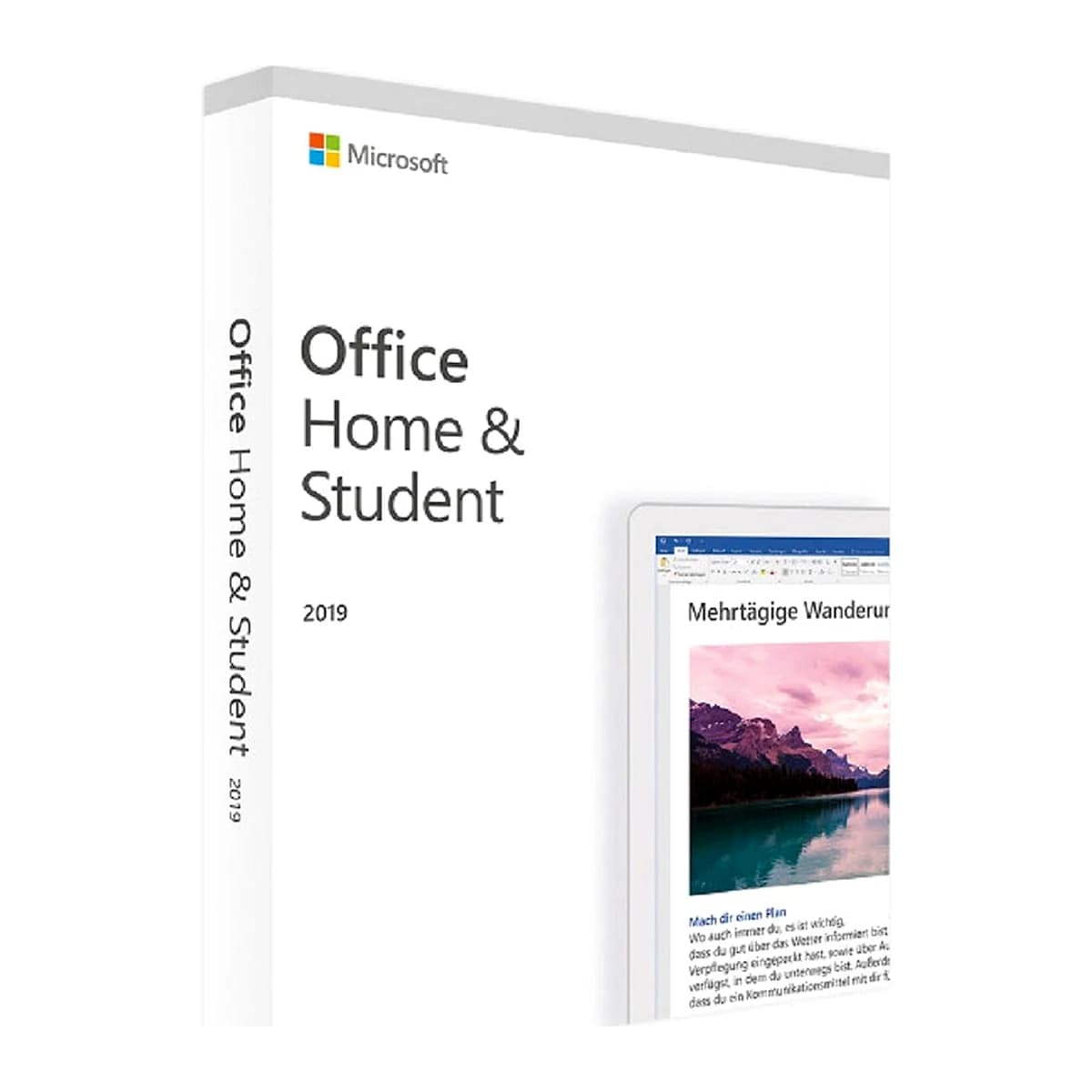
هل أنت مستعد لتفعيل Office 2019 Home & Student؟
مفتاح أصلي يُرسل خلال دقائق، ضمان التفعيل ودعم طوال الأسبوع. دفعة واحدة دون اشتراك.